How do I create Consumer Law Claim (CLC) documents?
In some regions, consumer law may offer additional coverage to a customer. If a customer is eligible for consumer law coverage, you can easily create the appropriate documents in Fixably.

Written by Annukka Matilainen
Updated at May 19th, 2026
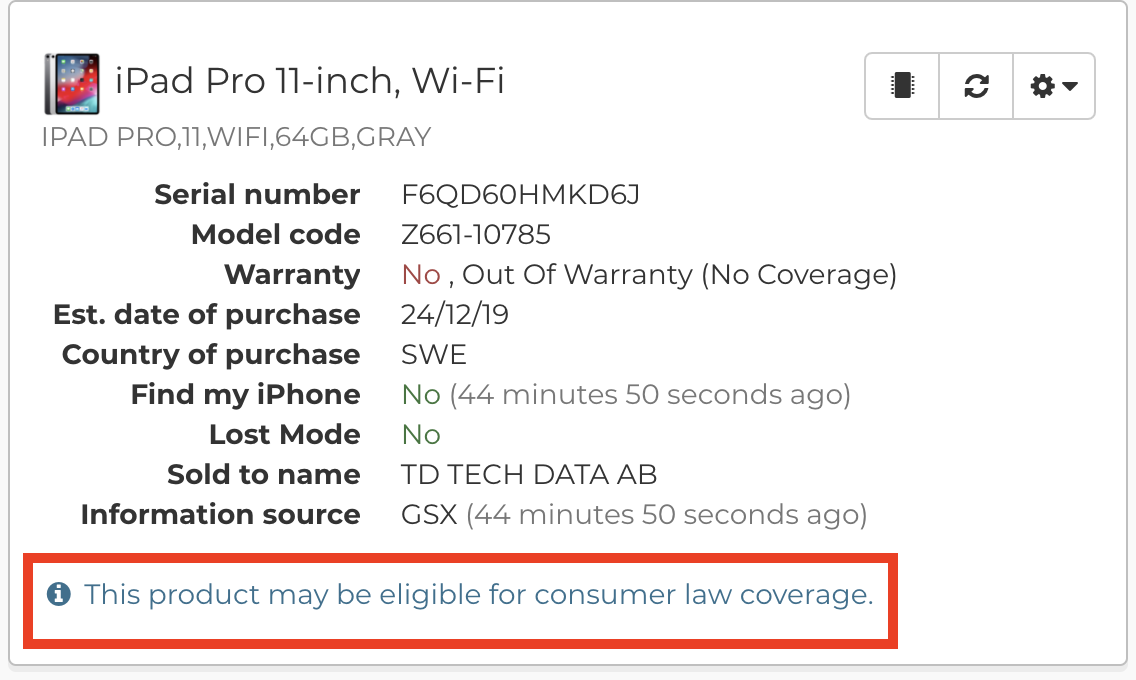
- If a device is out of warranty, possible eligibility for consumer law coverage is mentioned in the device information section of an Order.
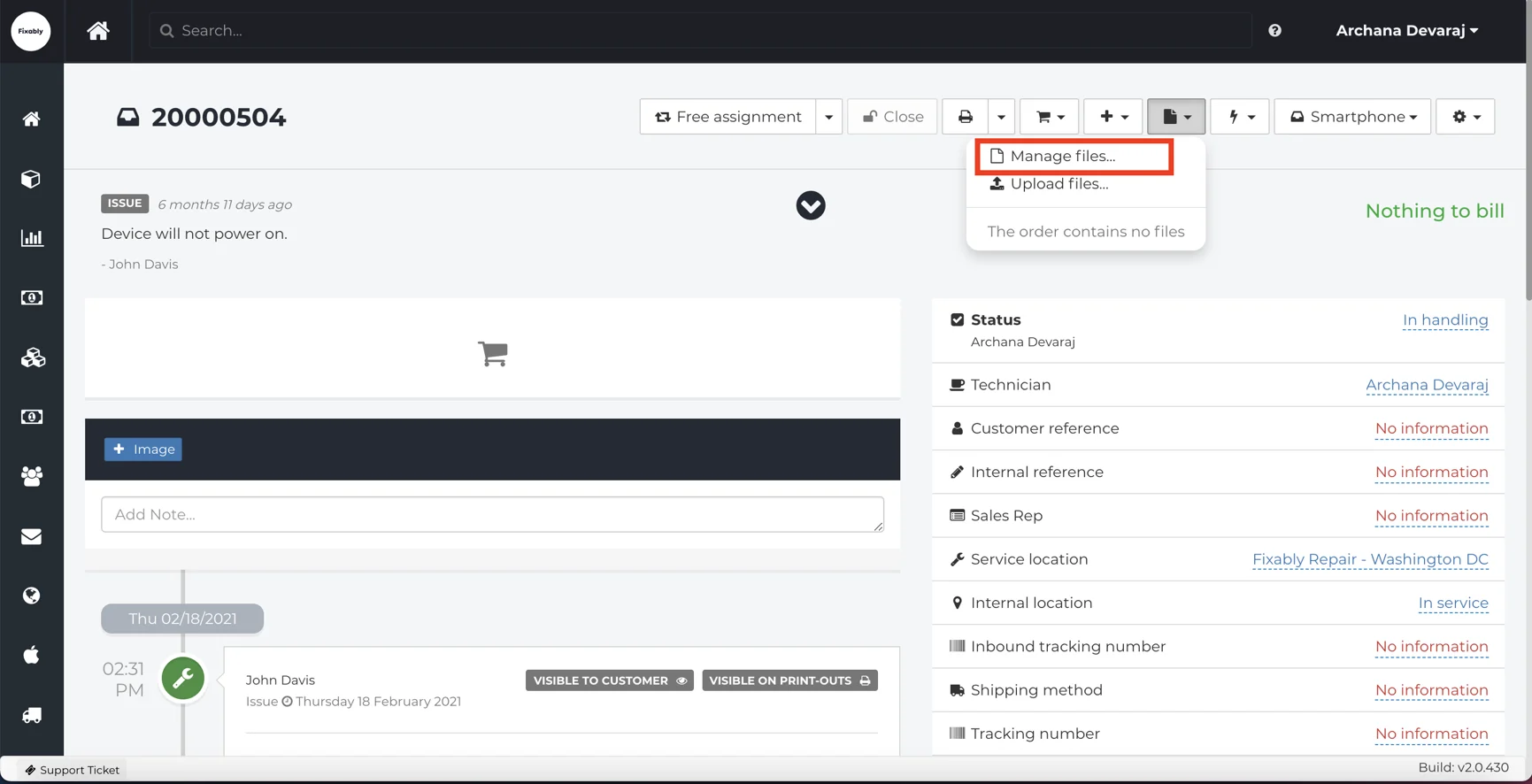
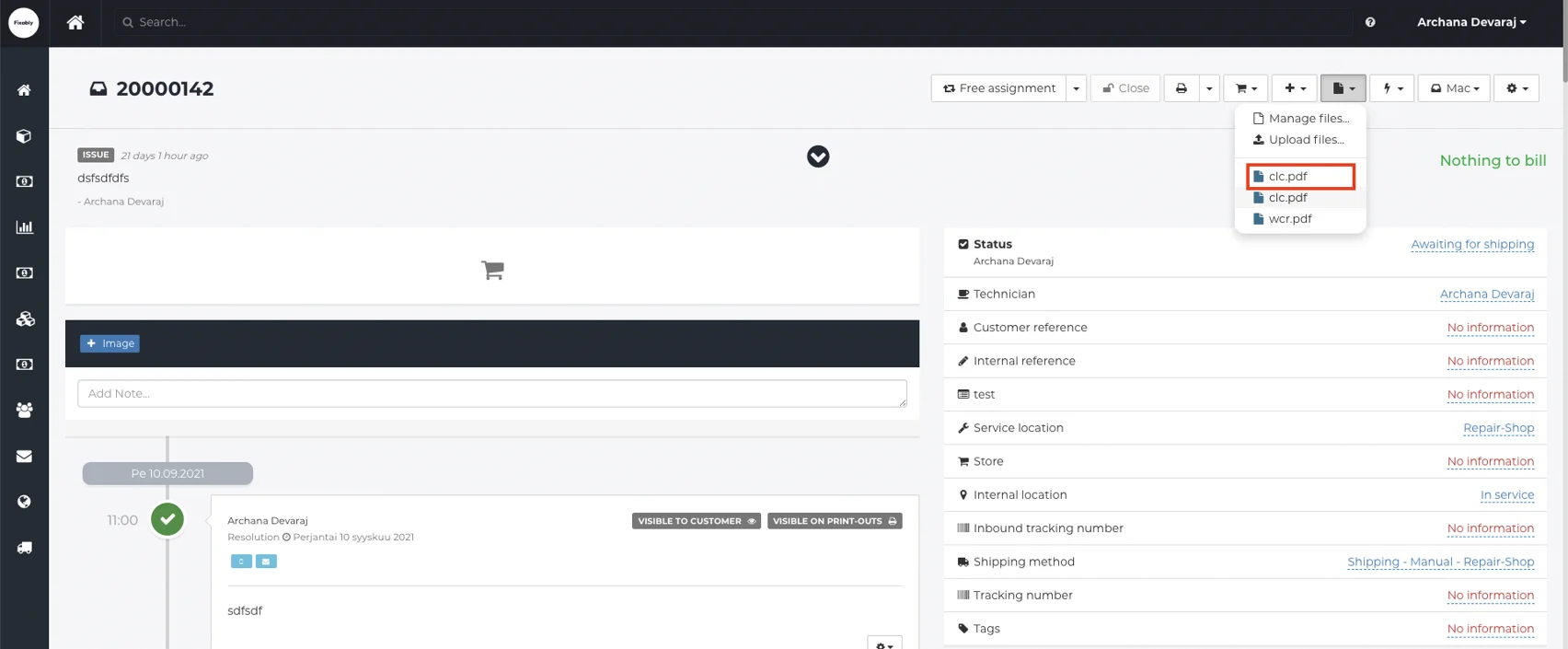
- Open the appropriate Order and click on the Files menu to create a Consumer Law form.

- From the Files menu, select Manage Files.
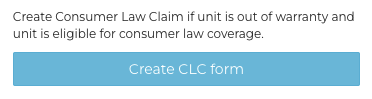
- From the side pane, click Create CLC form.
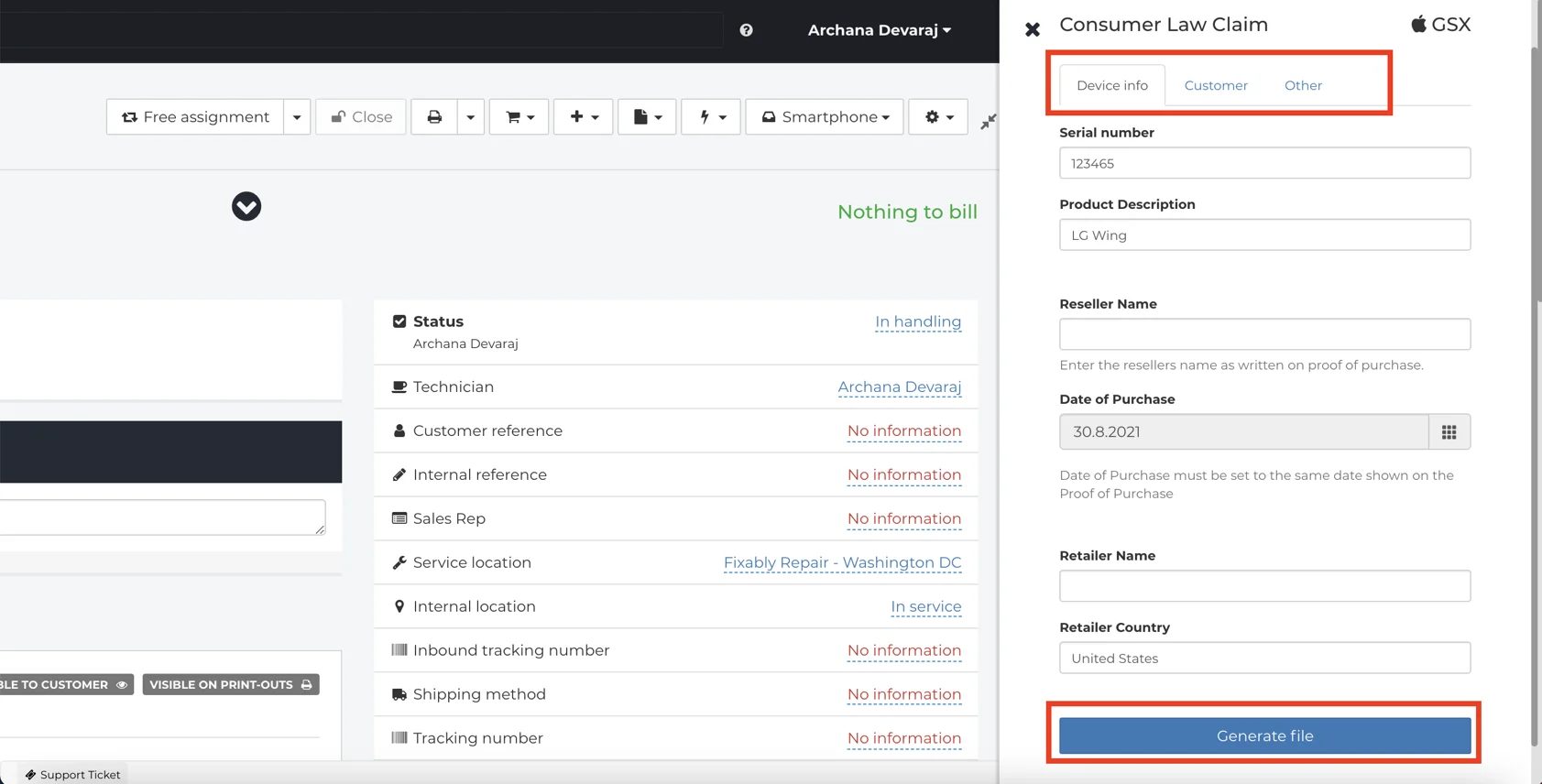
- Fill out the required Device, Customer and Other information. Some information will autom atically populate from the Order. When complete, select Generate File.
- The CLC form will appear in the Files menu of the Order.
Add your signature in User settings - General to automatically apply it to the CLC document.