How do I create a Warranty Claim Request (WCR) document?
You can create a Warranty Claim Request form if warranty service is required, but the date of purchase in GSX differs from the customer's proof of purchase.

Written by Annukka Matilainen
Updated at May 19th, 2026
- Open the appropriate Order and click on the Files menu to create a cost estimate.

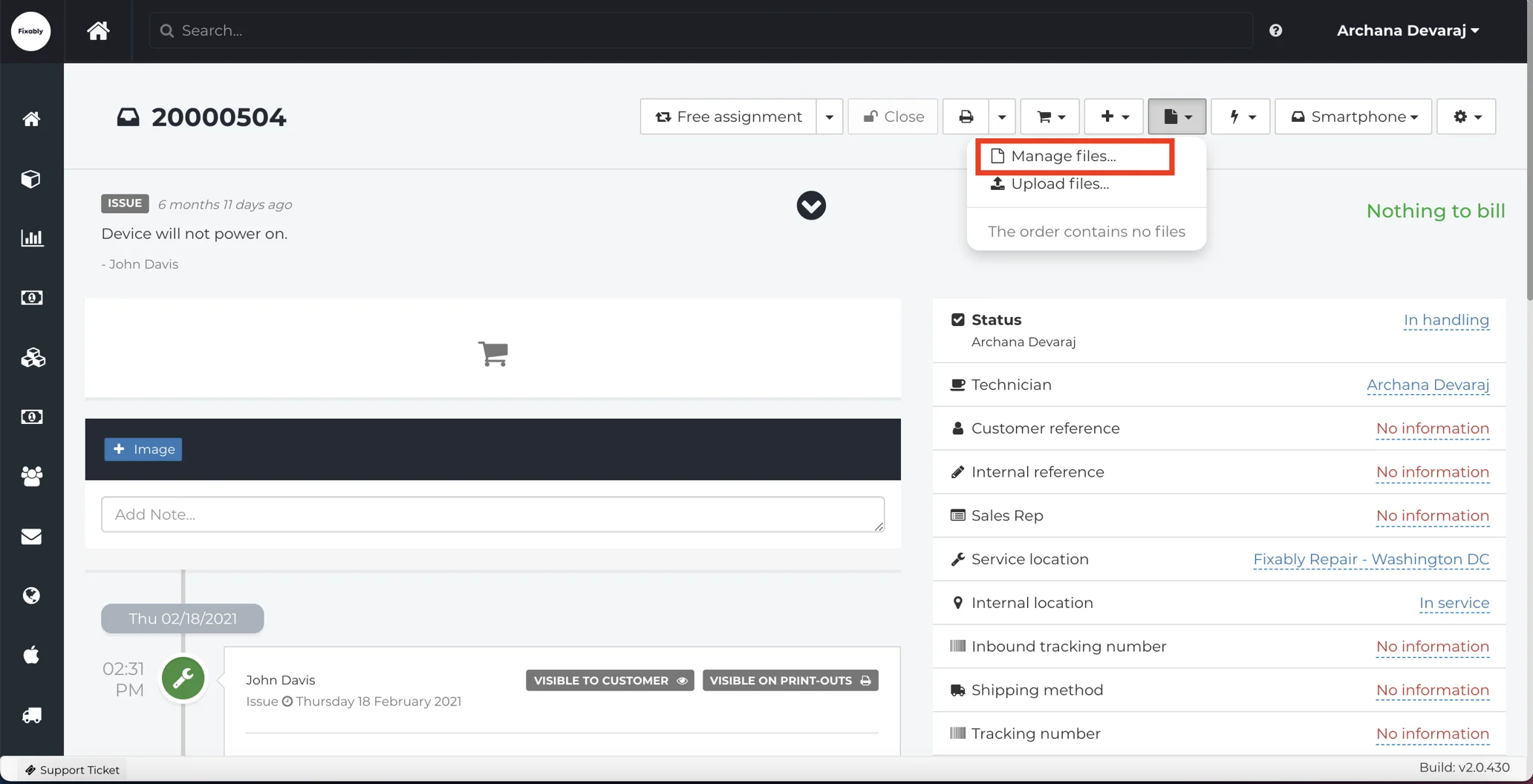
- From the Files menu, select Manage Files.
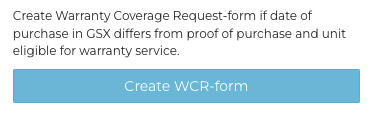
- From the side pane, click Create WCR form.
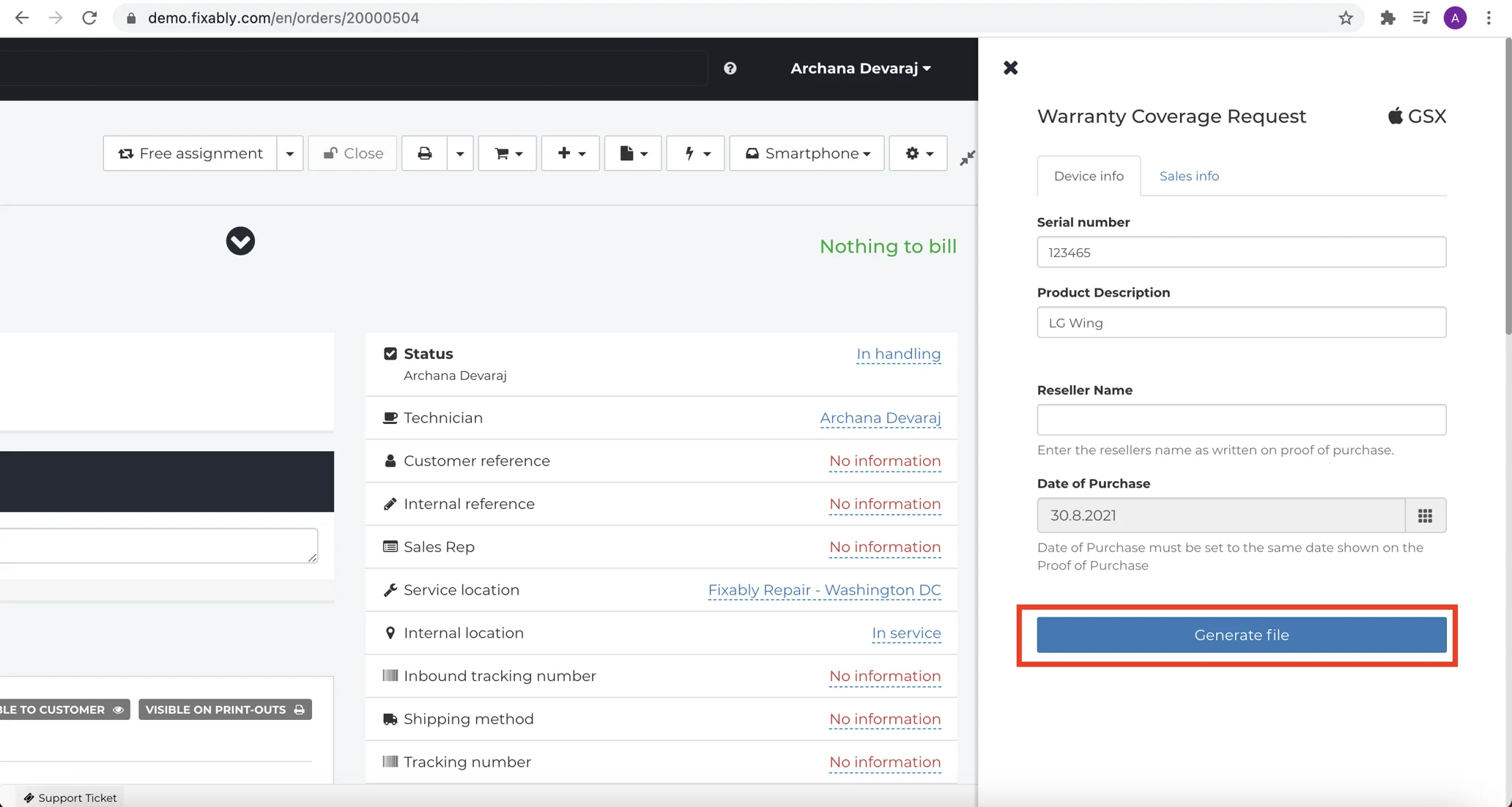
- Available information will automatically be populated from the Order. Confirm that the details in the Device info and Sales info tabs are correct. When finished, click on Generate File.
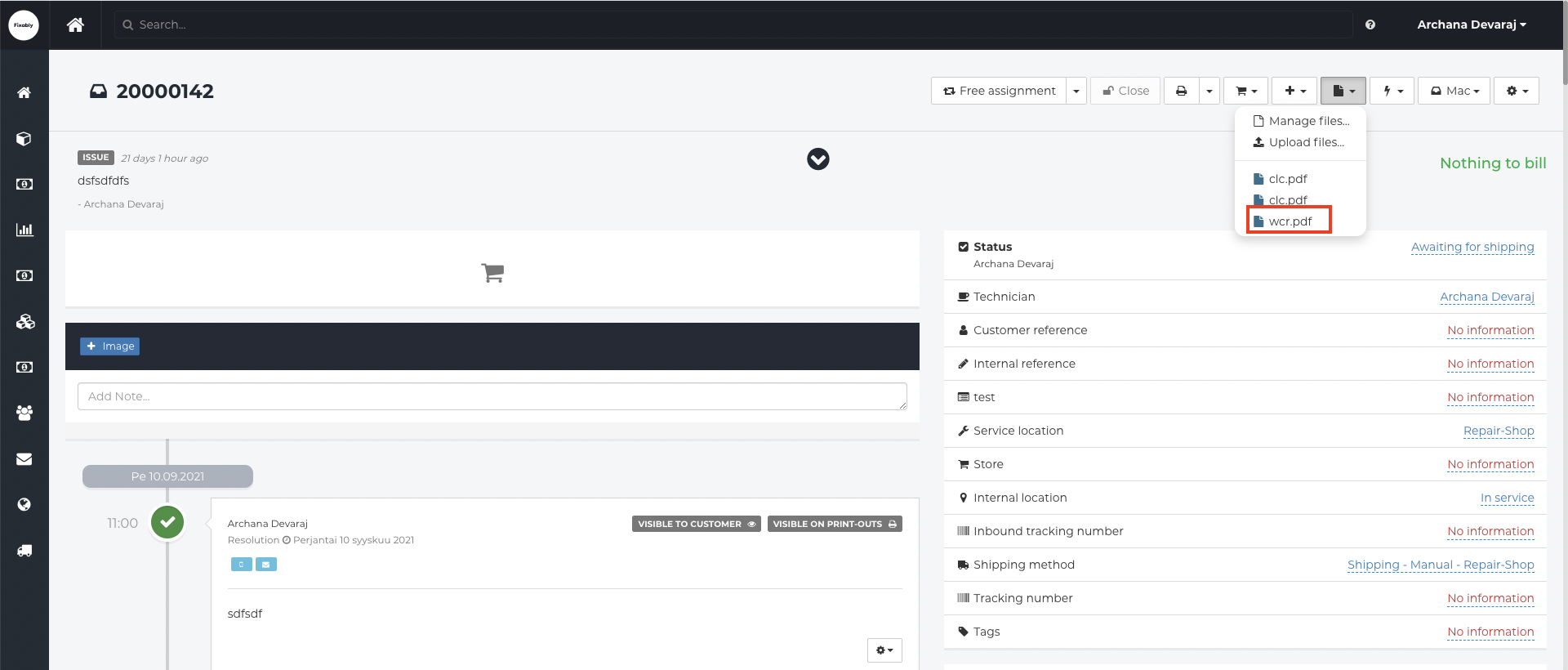
- The Cost Estimate will appear in the Files menu of the Order.