How do I enter my Company Details?
This article provides a walkthrough for setting up Company Information (for example, full address, website) and defining Service and Store Locations (For example, name, address, phone number, opening hours).

Written by Support
Updated at May 19th, 2026
Table of Contents
An administrator configures company and location settings during your initial Fixably setup or by one of Fixably's Customer Success Managers during your onboarding session. Administrators can edit this information at any time should changes be required (for example, a change of address or a new location).
Company Details
From the Fixably Home Screen, locate your User Name Menu and navigate to System Settings / Company Details.
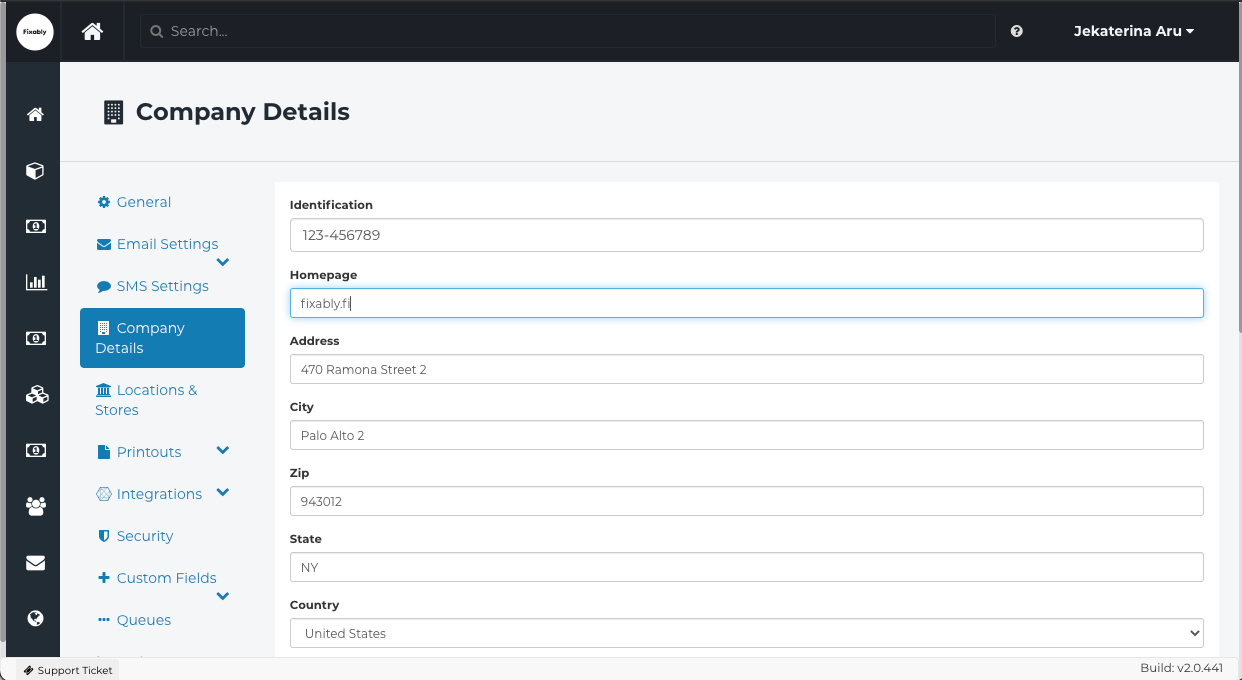
Fill in all relevant fields and click Save Settings at the bottom of the screen. The information entered here is added automatically to all print-outs and visible in the Customer Portal.