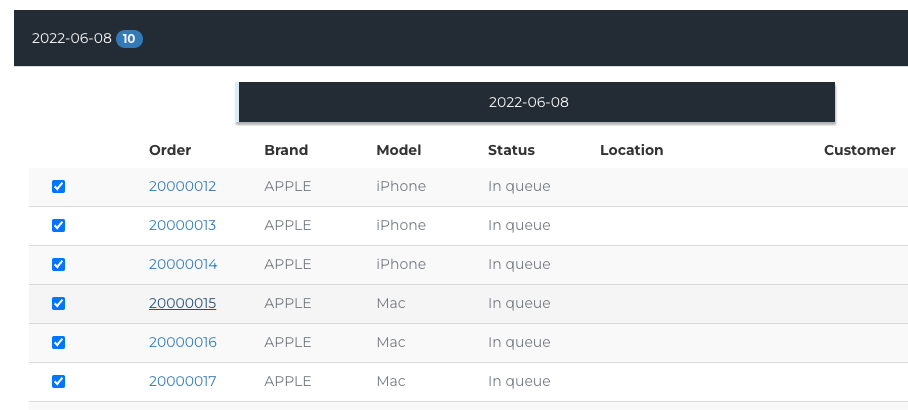
How can I view previous Order Import History?
This article is a step-by-step walk-through to help Technicians efficiently use Fixably to view previously Imported Orders.

Written by Annukka Matilainen
Updated at May 19th, 2026
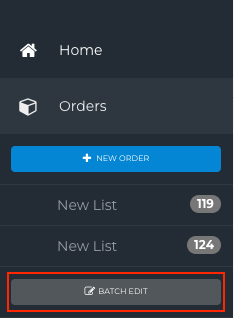
- From the Navigation Sidebar, click Orders and then Batch Edit.
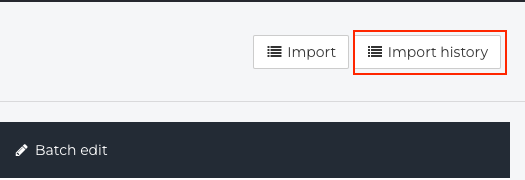
- Click Import.
- Use the Filter to search for specific date ranges to look up.
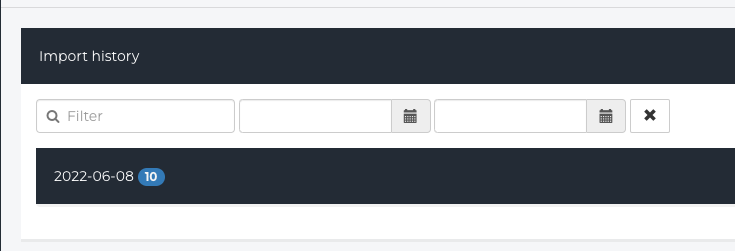
- When you find the correct import (these are sorted by date), click on the Arrow for more information.

- The information associated with the import will be visible.