How do I import new Products in Fixably?
This article guides you through importing new Products in Fixably.

Written by Annukka Matilainen
Updated at May 19th, 2026
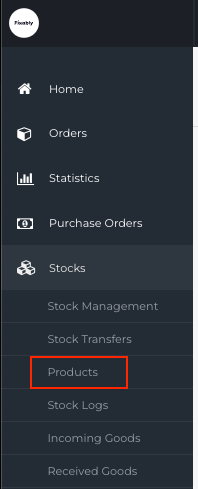
- From the Navigation Sidebar, click Stocks and then Products.
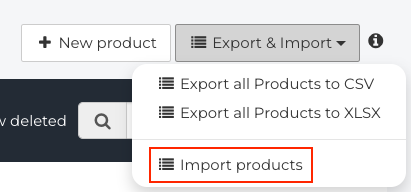
- In the upper right corner, click on Export & Import and then Import Products.
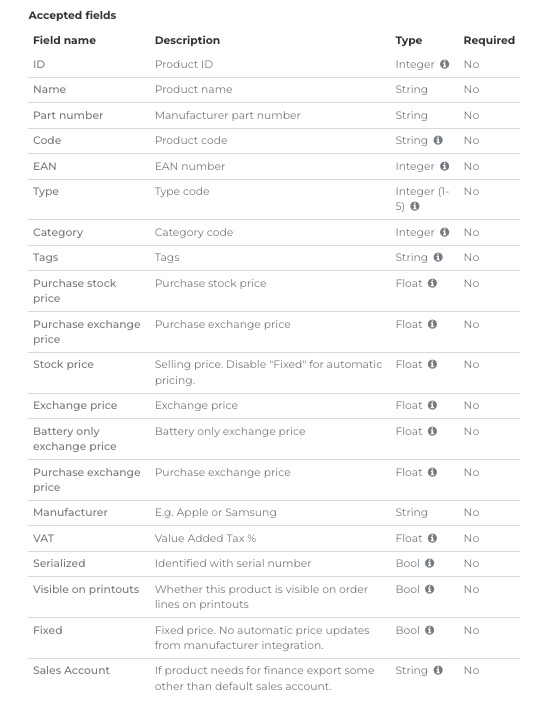
- Using any spreadsheet software (Excel, Google Sheets, and others), create a CSV or XLSX file. The header columns you use need to match the Field Name exactly. Add your Product information to your import file as required.
- When complete, click on the File button to upload your import file.

- When complete, click Submit at the bottom to add the Products to your Fixably environment.
